
.webp)
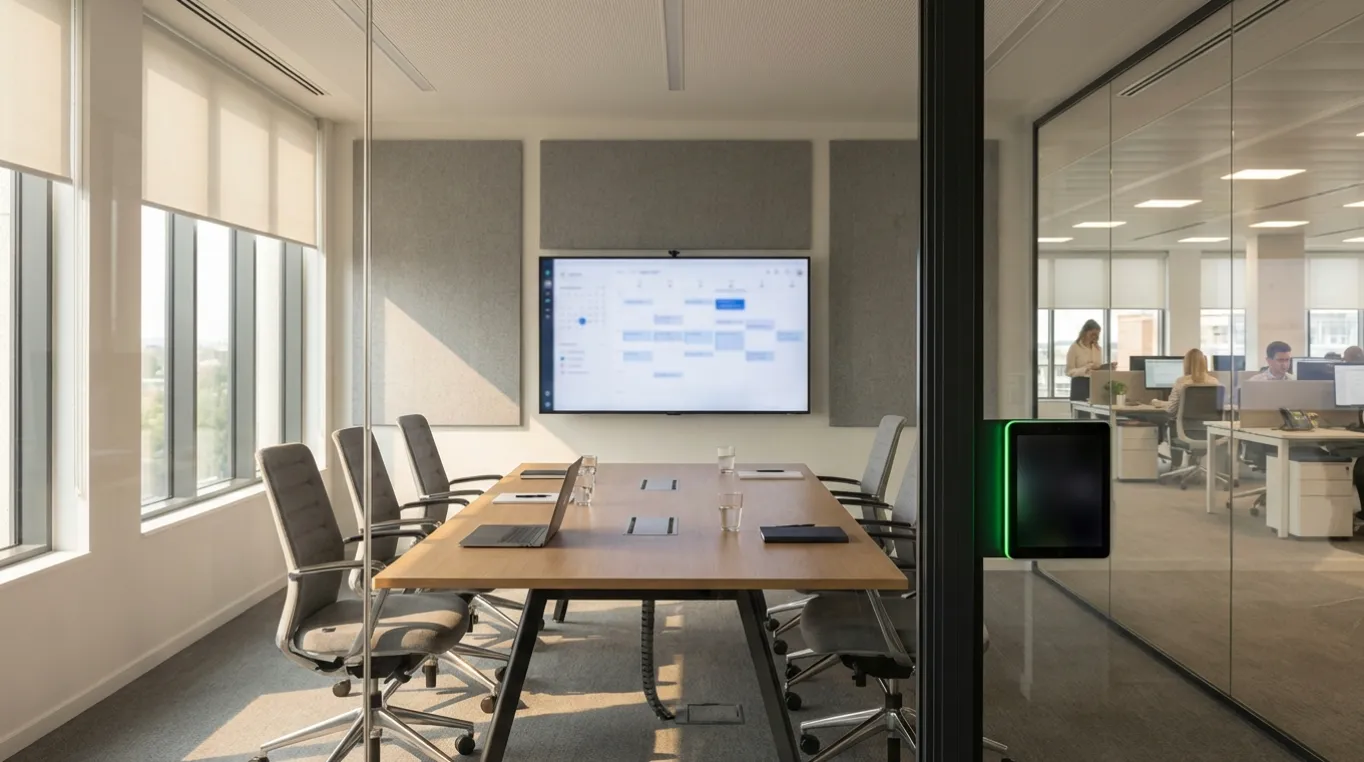
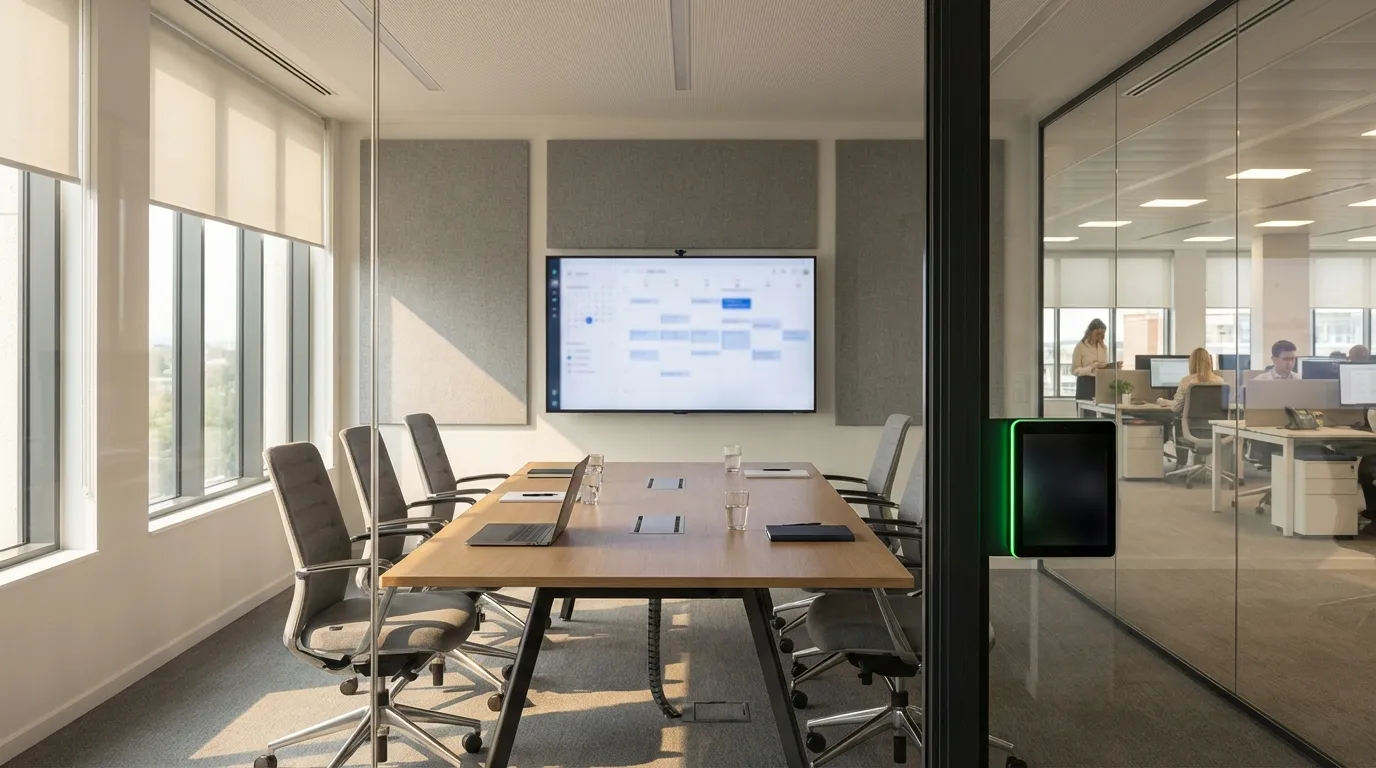
If your team books meeting rooms in Outlook but your workplace management platform shows something different, you've got a sync problem — and it compounds quickly. Rooms appear available when they're occupied. Meetings get double-booked. Employees show up to a room that's already taken. Facilities teams have no reliable data on actual utilization.
The fix isn't complicated, but it does require understanding how two-way calendar sync actually works between Microsoft 365 and a dedicated workplace platform.
Outlook's native room booking works through Exchange Online resource mailboxes. Each meeting room gets its own mailbox, and when someone adds a room to a calendar invite, Exchange accepts or rejects the request based on availability. For small offices with straightforward scheduling needs, this works fine.
The problem shows up in hybrid environments. Outlook can't tell you which rooms are actually being used versus just reserved. It can't automatically release a room when a meeting is cancelled last-minute or when nobody checks in. It doesn't surface utilization data across your portfolio, and it doesn't connect to your broader facilities and HR workflows.
According to Microsoft's own documentation, rooms must be configured as resource mailboxes in Microsoft 365 before any third-party platform can sync with them — so that's always the starting point.
A genuine two-way sync means changes flow in both directions simultaneously:
This is typically achieved through the Microsoft Graph API, which gives the workplace platform read and write access to Exchange Online room calendars. The platform listens for calendar events via webhooks or polling, then reconciles its own booking records accordingly.
The practical result: there's one source of truth, regardless of where the booking originated.
The configuration steps vary by platform, but the core requirements are consistent:
Microsoft 365 prerequisites
On the workplace platform side
For platforms with an Outlook add-in, employees can search and book rooms without leaving their calendar. The add-in queries the workplace platform's availability engine in real time, so employees see accurate room data — capacity, amenities, current status — alongside their meeting invite.
One of the most persistent issues in office scheduling is the ghost meeting: a room is booked, the meeting is cancelled or the organizer forgets, but the room stays blocked in the calendar. A 2024 study from workplace analytics firm Density found that as much as 40% of reserved meeting room time goes unused in typical office environments.
Two-way sync alone doesn't solve this — you need automated check-in logic layered on top. When a meeting starts and nobody physically checks in within a defined window (say, 5 minutes), the room is automatically released. That release propagates back to Outlook immediately, freeing the space for anyone who needs it.
Platforms like Tactic handle this with built-in check-in enforcement: if no one confirms the booking at the room display or via the app, the reservation is cancelled and the Outlook calendar is updated automatically. This combination of two-way sync and automated release is what actually eliminates ghost meetings rather than just reducing them.
Not all Outlook integrations are created equal. When evaluating platforms, these are the capabilities that separate a real integration from a shallow one:
Real two-way sync, not one-directional push. Some platforms only write bookings to Outlook but don't read back changes. That means cancellations made in Outlook never reach the workplace system.
Automated room release on no-show. Without this, two-way sync still leaves ghost meetings in place.
Conflict detection at booking time. The platform should check Outlook availability before confirming a reservation, not after.
Admin controls and booking policies. The ability to set capacity limits, blackout periods, and advance booking windows — enforced at the platform level, not just recommended.
Utilization reporting. The sync should feed real data into analytics dashboards so facilities teams can see actual vs. booked usage, identify underperforming rooms, and make space decisions with confidence.
Tactic's room booking module covers all of these, and its integration with Outlook and Microsoft Teams means employees don't have to change their existing workflow to get accurate, conflict-free scheduling.
Even with a solid integration in place, a few issues come up often enough to plan for:
Sync delays. If the platform polls Outlook on a schedule rather than using real-time webhooks, there's a window where a room can appear available when it isn't. Ask vendors specifically whether they use webhooks or polling.
Recurring meeting conflicts. Outlook can accept some instances of a recurring series and reject others. This requires monitoring — some platforms handle it automatically, others surface conflicts for manual resolution.
Permission scope drift. If the Azure AD app registration has its permissions changed or expires, the sync breaks silently. Set up alerts for API authentication failures.
Resource mailbox misconfiguration. If auto-accept isn't enabled on the room mailbox, Outlook won't confirm bookings automatically, breaking the sync flow.
The goal of syncing Outlook with a workplace management platform isn't just technical tidiness — it's reliable data and frictionless scheduling. When employees can book a room from Outlook or Teams or the workplace app and trust that the room will actually be available, they stop workarounds like blocking rooms speculatively or booking multiple rooms as backup.
That behavioral shift is where the real value shows up: fewer ghost meetings, higher room utilization rates, and facilities data that actually reflects how your office is being used. Getting the integration right is what makes all of it possible.

A workplace experience platform that brings your hybrid team together.