Know who’s in.
See people in the office and your upcoming reservations before you set out.
Explore office days →
See who’s in, find your spot, and keep your reservations close. The Tactic workplace you know, ready whenever your day moves.


For iPhone and Android. Sign in with your workplace account.
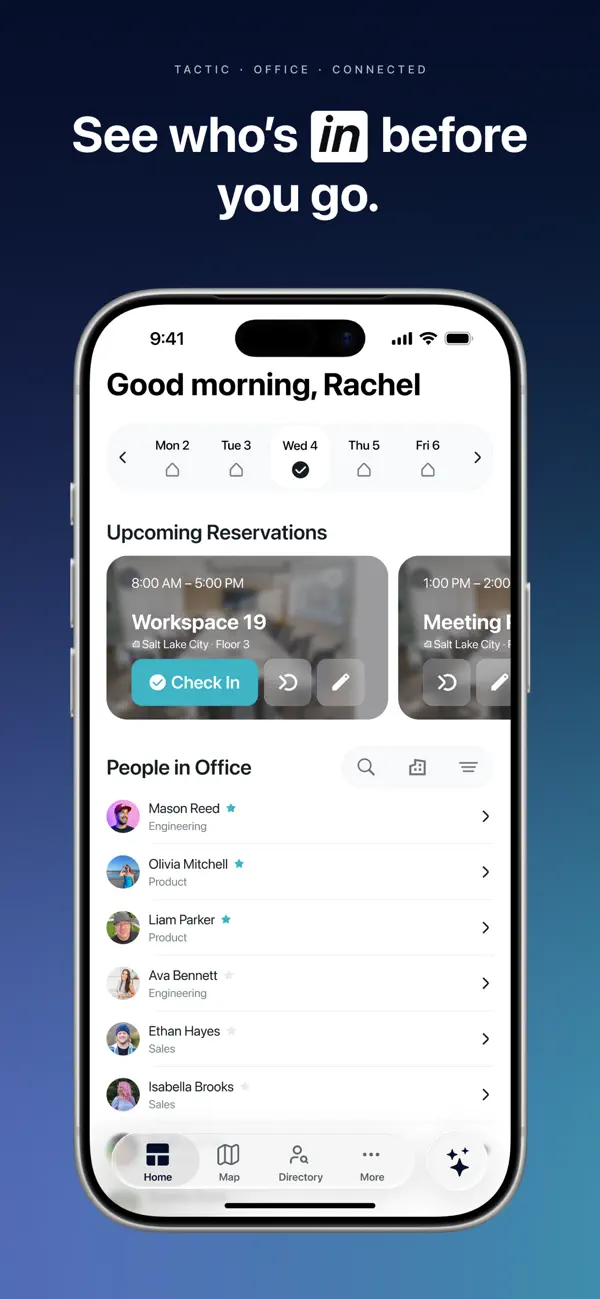
See people in the office and your upcoming reservations before you set out.
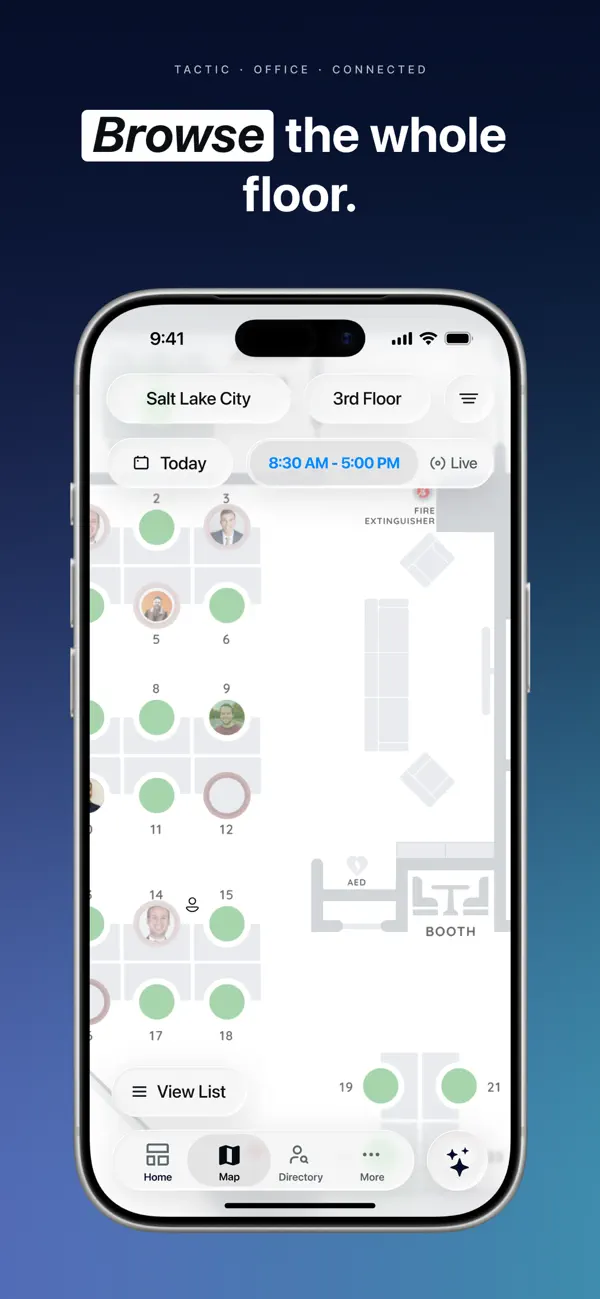
Explore office days →Explore the floor map and reserve a desk or meeting room for the work ahead.
Explore desk booking →Review reservation details and check in from your phone when you arrive.
Explore room booking →See the desk in context, review the details, and book a place that works for your day. The map and the reservation stay together.
Explore desk booking →Switch views to see the app artwork. This is a preview, not a live booking.
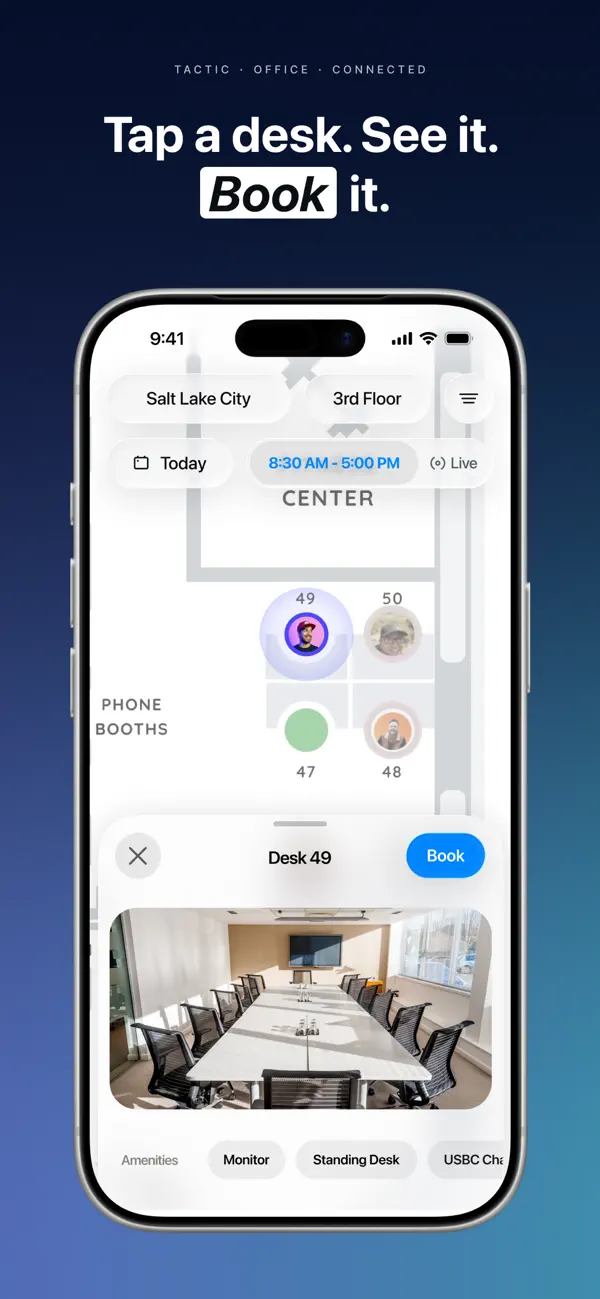
Desk booking · Tactic iPhone app
Use the account your workplace already knows. No separate workspace to set up.
Choose the official Tactic listing for your iPhone or Android device.
Follow your organization’s sign-in process. Your administrator can help with access.
Open your workplace, find your people, and choose the space you need.
The details that matter when choosing your workplace platform.
Explore pricing →Download Tactic: Office Management from the Apple App Store for iPhone or Google Play for Android. Use the store buttons on this page to open the official listings.
Use the account connected to your organization’s Tactic workplace. If you need access or cannot find your workplace, contact your workplace administrator.
View upcoming reservations, see who is in the office, explore the floor map, reserve desks and meeting rooms, and check in. Available spaces, actions, and features depend on your organization’s setup and your access.
Use the office map to see people and available desks, then choose a space that fits your day. Availability and booking rules reflect your workplace configuration.
Yes. Sign in to your organization’s Tactic account to access its workplace, spaces, and reservations on your phone.
Start with your workplace administrator for account access and organization settings. The Tactic Help Center provides guidance on using Tactic.
Get the app for your device and connect to your Tactic workplace.

A workplace experience platform that brings your hybrid team together.