
.webp)
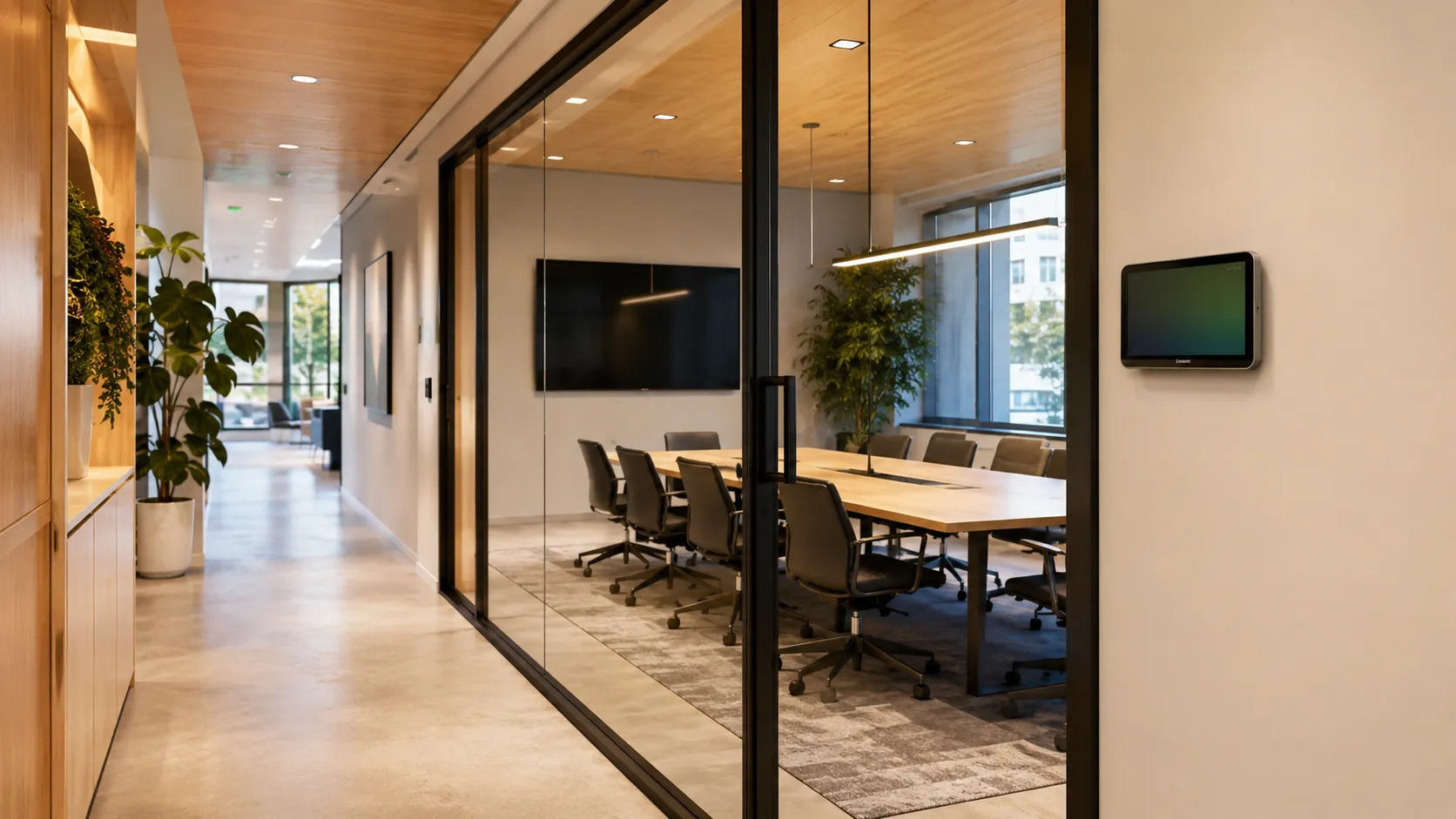
Many companies already use Outlook Calendar to schedule meetings and reserve conference rooms.
So it is natural to ask:
Do we really need meeting room booking software if we already use Outlook?
The short answer is: Outlook is great for calendar scheduling, but meeting room booking software adds workplace-specific features that Outlook does not fully cover, such as interactive office maps, room displays, check-ins, auto-release rules, amenities, room photos, and utilization analytics.
Outlook helps employees reserve a room.
Meeting room booking software helps companies manage how rooms are actually used.
That distinction matters, especially in hybrid offices.
Outlook is a strong scheduling tool.
For many companies, it is the default place where employees create meetings, invite attendees, and reserve rooms.
Outlook can help employees:
For basic meeting scheduling, Outlook works well.
But room booking is not only a calendar problem.
It is also a workplace operations problem.
Outlook can reserve a room, but it usually does not give employees or workplace teams the full context they need.
Common gaps include:
That is why companies often add meeting room booking software on top of Outlook.
The goal is not to replace Outlook.
The goal is to make room booking work better in the physical office.
Meeting room booking software is designed specifically for workplace spaces.
It helps employees find, reserve, and use meeting rooms more easily.
It also helps workplace teams understand how rooms are being used.
The best systems add features like:
This is especially useful in hybrid workplaces where meeting demand changes throughout the week.
Hybrid work changed how meeting rooms are used.
Employees may come into the office mostly for collaboration. That increases demand for the right rooms at the right times.
A hybrid office needs to answer questions like:
Outlook alone may not answer those questions clearly.
Meeting room booking software can.
One of the most common workplace frustrations is seeing rooms booked in Outlook but empty in real life.
This happens when:
Outlook may still show the room as booked.
Meeting room booking software can help fix this with room check-ins and auto-release rules.
For example:
If nobody checks in within 10 minutes, the room can automatically become available again.
That makes room availability more accurate for everyone.
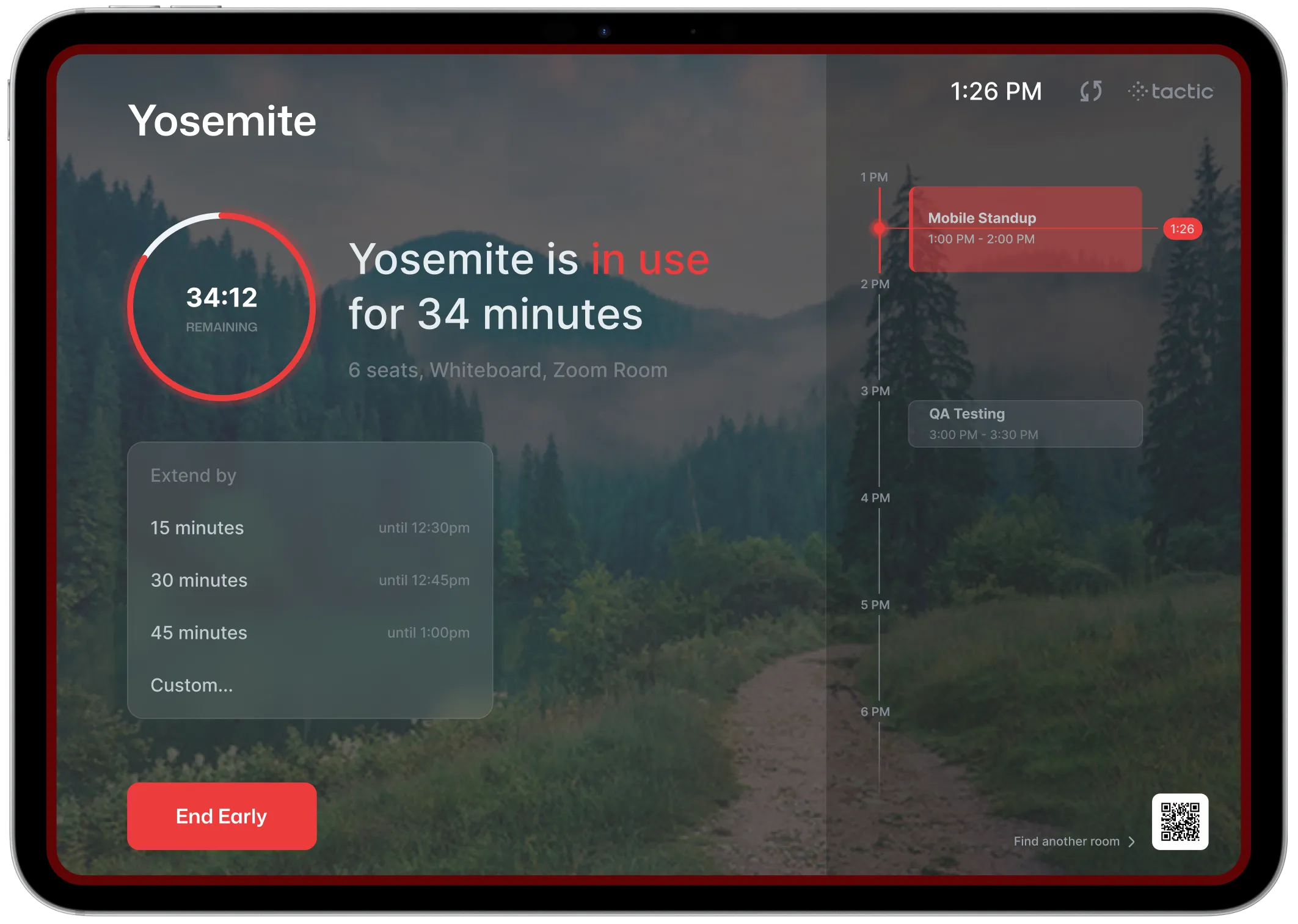
Room displays are another major difference.
A room display mounted outside a conference room can show whether a room is:
It may also let employees:
Outlook does not provide that physical office experience on its own.
Meeting room booking software often does.
Room names are often confusing.
Employees may see names like “Pisgah,” “Sierra,” or “Boardroom 3,” but they may not know:
Meeting room booking software can show photos, capacity, amenities, and location so employees book the right room the first time.
This reduces confusion and improves the employee experience.
This is one of the biggest reasons companies move beyond basic calendar booking.
Workplace teams need to know how rooms are actually being used.
Meeting room booking analytics can show:
Outlook can provide some calendar data, but it is not designed to be a full workplace analytics platform.
Outlook Calendar may be enough if:
For simple scheduling, Outlook may work fine.
Meeting room booking software is usually a better fit when:
At that point, the company is no longer solving a simple calendar problem.
It is solving a workplace coordination problem.
The best setup is not usually Outlook vs meeting room booking software.
It is Outlook plus meeting room booking software.
Employees should be able to book rooms from the tools they already use while workplace teams get the added control and visibility they need.
A strong room booking platform should sync with Outlook so:
That combination gives employees convenience and gives workplace teams better management tools.
Tactic supports room booking as part of a broader workplace management platform.
That means room booking can connect with:
This matters because room booking rarely exists alone.
A meeting may involve employees, visitors, desks, rooms, calendars, and workplace services.
When those workflows connect, the office becomes easier to manage.
Outlook Calendar is a strong scheduling tool, but meeting room booking software adds the workplace-specific features companies need to manage physical meeting spaces.
Outlook helps employees schedule meetings and reserve rooms.
Meeting room booking software helps employees find the right room, check in, avoid empty booked rooms, use room displays, view amenities, and gives workplace teams utilization data.
For small offices, Outlook alone may be enough.
For hybrid offices, multi-location teams, or companies with room availability issues, meeting room booking software is usually the better long-term solution.
Outlook may be enough for small offices with simple room scheduling needs. Larger or hybrid offices often need meeting room booking software for maps, room displays, check-ins, auto-release, amenities, and analytics.
Meeting room booking software can provide interactive maps, room photos, amenities, check-ins, room displays, auto-release rules, no-show reporting, and utilization analytics.
Yes. Many platforms sync with Outlook so employees can book rooms from their calendar while workplace teams manage rooms through a dedicated platform.
Rooms may be booked but empty because meetings are canceled, recurring meetings remain active, employees forget to release rooms, or there is no check-in and auto-release process.
Usually no. The best approach is often to integrate meeting room booking software with Outlook so employees can keep using their calendars while gaining workplace-specific features.

A workplace experience platform that brings your hybrid team together.