

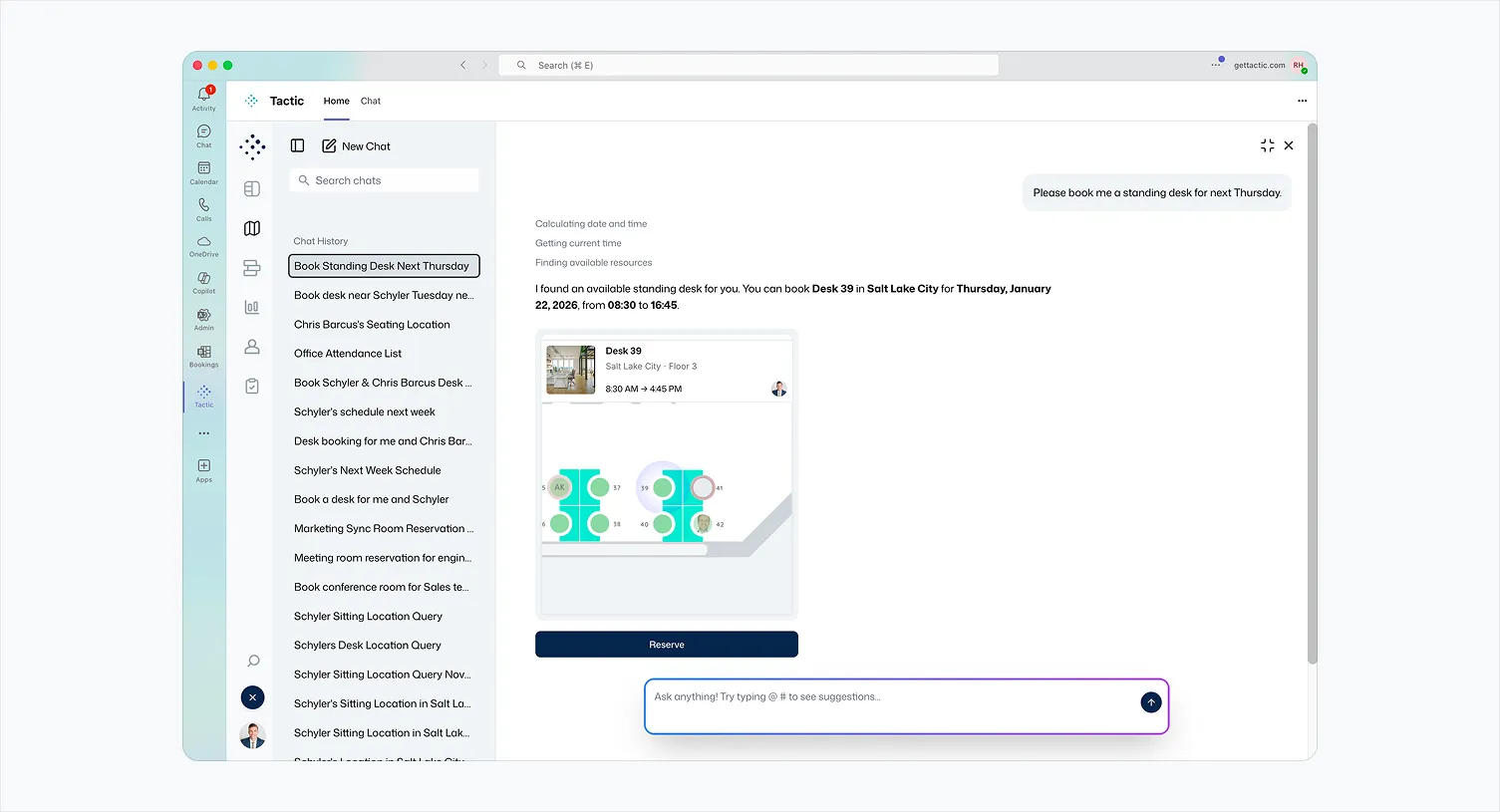
Your desk booking software works perfectly. The problem? Nobody's using it.
The issue isn't the feature set; it's friction. Every additional login, browser tab, or mobile app creates a decision point where employees choose convenience over compliance. A WorldatWork study found that 69% of employees believe their organization uses "too many platforms," leading to a state of "digital noise" where they simply stop engaging with new tools like desk booking software.
The result: Your VP of Real Estate is making million-dollar lease decisions based on incomplete occupancy data because 40% of your workforce books desks sporadically or not at all.
Legacy desk booking platforms (Envoy, Robin, OfficeSpace) treat integration as an afterthought—a Slack bot that sends notifications or a Teams tab that links out to a web portal. These "bolted-on" integrations don't eliminate friction; they just relocate it.
Microsoft Teams isn't just another collaboration tool; it's the digital workspace for 280+ million users. For enterprise employees, Teams is where the workday begins, meetings happen, and decisions get made.
The adoption math is simple: If your employees open Teams 40 times per day and your desk booking app twice per week, the desk booking app will always lose.
Tactic solves this by embedding the entire platform inside Microsoft Teams, not as a shallow integration, but as a fully native experience. Employees can:
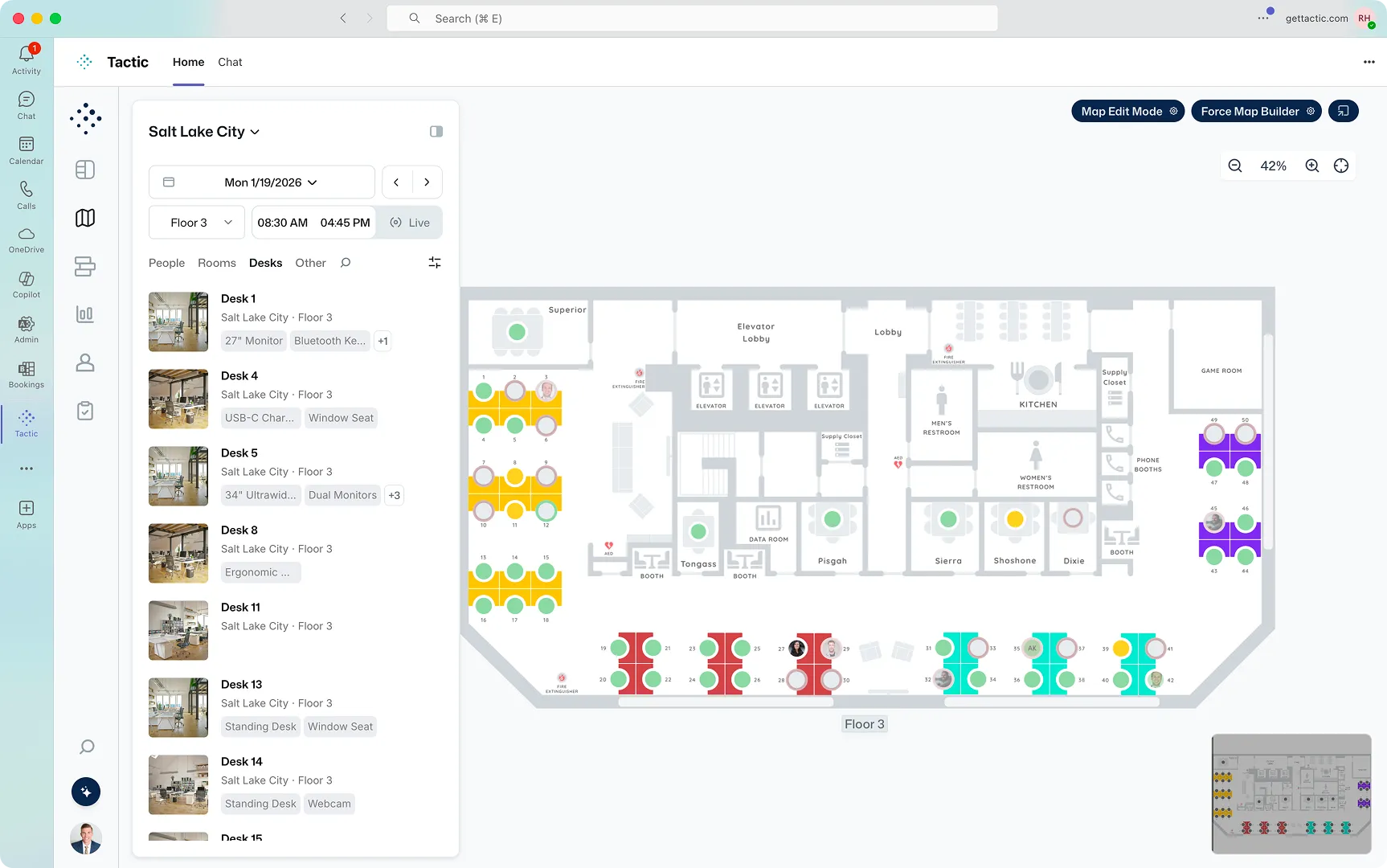
Here's where Tactic diverges from point solutions: Tessa AI lives inside Microsoft Teams as a conversational interface that handles the cognitive load of desk booking.
Instead of navigating menus, employees type or speak:
Tessa processes natural language, cross-references seating preferences, checks real-time availability, and confirms bookings—all within the Teams chat interface.
The employee experience shift: Desk booking stops feeling like a compliance requirement and starts feeling like a productivity feature. You're not "checking in"—you're coordinating where work happens.
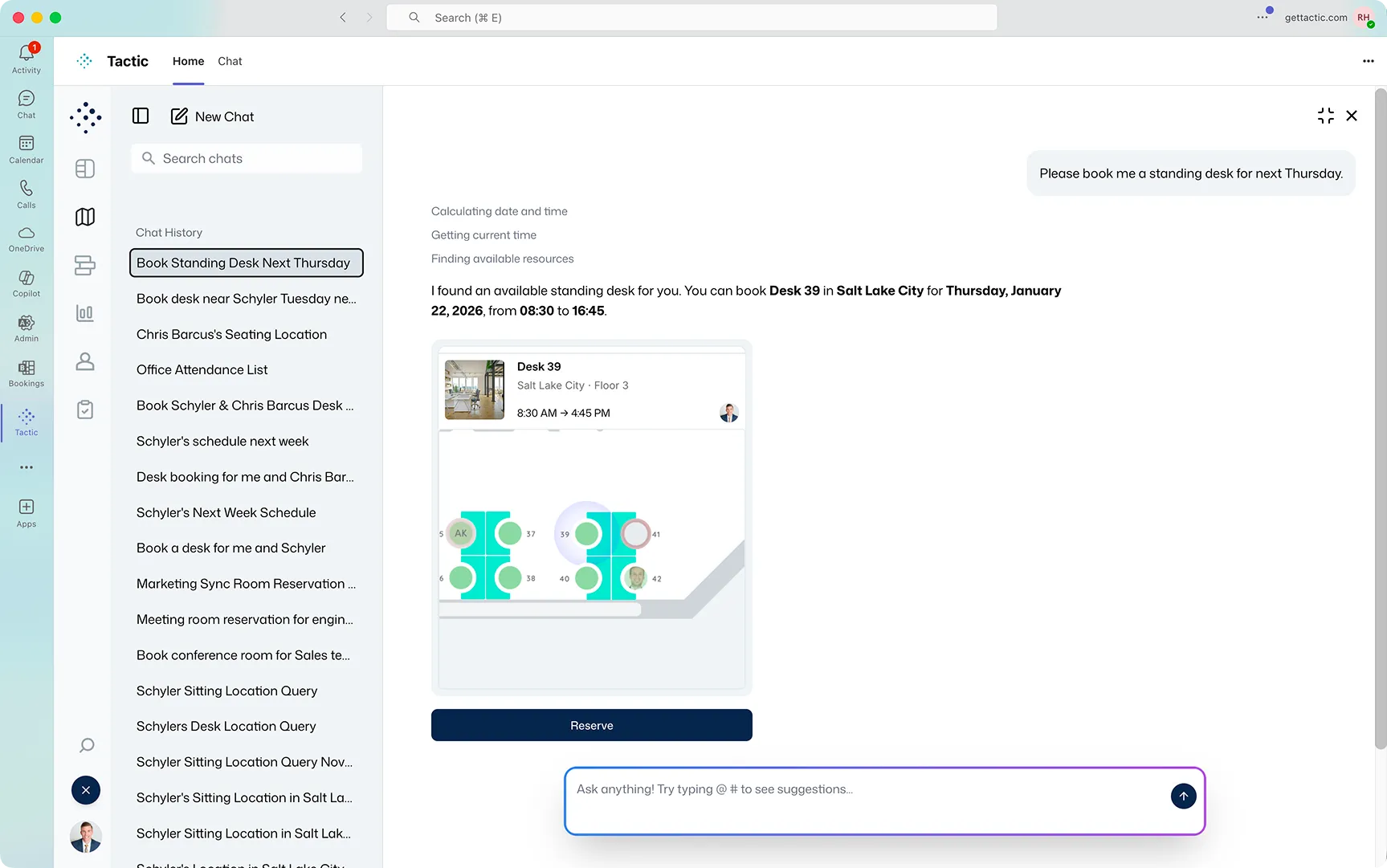
Most workplace tech emerged as point solutions like visitor management being bolted onto access control, or desk booking being added to meeting room software. The result: feature seams that fragment the employee experience.
Tactic's architectural advantage: Built from the ground up as a unified platform where desk booking, meeting rooms, visitor management, and workplace analytics share a single data model and authentication layer.
When desk booking lives natively in Teams through Tactic:
And companies that focus on unified platforms win. Unified platforms save organizations up a 60% lower software cost and grow 19% faster.
When desk booking happens inside Microsoft Teams, it stops being a facilities initiative and becomes a natural part of workflow coordination. The downstream impact:
Tactic's employee-first design philosophy recognizes a fundamental truth: workplace software succeeds when it makes employees' lives easier first and generates admin data second. Legacy platforms flip this priority (and wonder why adoption flatlines).
Want to see how your specific floor plans, org structure, and Microsoft 365 setup would work inside Tactic's Teams integration?
Book a 30-minute custom demo at gettactic.com where we'll show:
Because the best desk booking software is the one your employees actually use (and they're already in Teams).

A workplace experience platform that brings your hybrid team together.