
.webp)
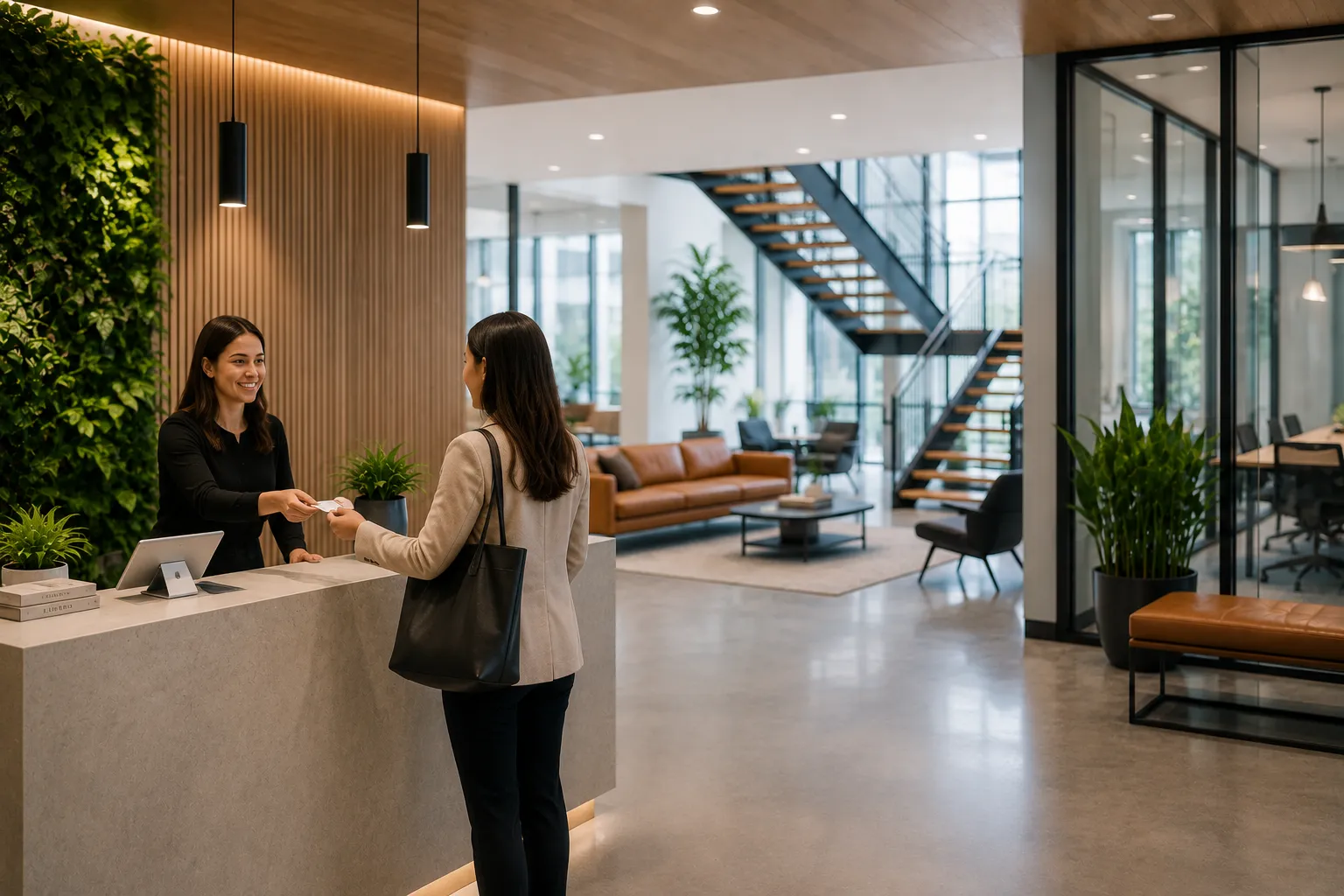
A visitor check-in process should be simple for guests, easy for employees, and secure for the company.
But many offices still rely on informal or manual processes.
A guest arrives, writes their name on a clipboard, waits for someone to find their host, and receives little guidance on what to do next.
That may work for a small office with occasional visitors.
But modern workplaces need a more reliable process.
The short answer: A visitor check-in process should include visitor identification, host selection, arrival notifications, badge printing, required document signing, visitor logs, check-out, and clear instructions for each visitor type.
The best process feels welcoming while also supporting security and compliance.
The lobby is often the first impression someone has of a company.
A smooth check-in process helps visitors feel expected, welcomed, and guided.
A poor process creates confusion.
It can also create security gaps if companies do not know who is in the office.
Pre-registration allows employees to invite guests before they arrive.
This may include:
Pre-registration makes arrival faster because the visitor’s information is already in the system.
It also helps workplace teams know who is expected.
Visitors should know exactly what to do when they arrive.
This may include signage, a front desk process, or a check-in device.
The goal is to reduce uncertainty.
A visitor should not have to wonder where to go, who to talk to, or how to notify their host.
The check-in process should capture basic visitor information.
Common fields include:
Some companies may also capture a photo or visitor type.
Once a visitor checks in, the host should be notified automatically.
Notifications can be sent through:
This reduces waiting time and removes the need for manual front desk coordination.
Badges help employees identify visitors in the office.
A badge can include:
Badges are especially useful in larger offices or buildings with multiple teams.
Some visitors need to sign documents before entering the workplace.
These may include:
Collecting these documents digitally makes the process easier to manage and easier to reference later.
Not every visitor should follow the same process.
Companies may need different flows for:
For example, a contractor may need to sign a safety policy, while a candidate may only need to notify their interviewer.
A visitor log records who came into the office.
A good visitor log should show:
Digital visitor logs are easier to search, filter, and report on than paper logs.
A visitor check-in process should also include check-out.
This helps companies know who is still on-site.
Check-out can be manual, kiosk-based, or handled by the front desk.
In an emergency, companies may need to know who is in the building.
A digital visitor system can help provide a clearer record of current visitors.
This is much harder to manage with paper sign-in sheets.
A visitor check-in process should collect the right information, but it should not feel like a burden.
Keep it focused and simple.
Different visitors may need different instructions or documents.
A one-size-fits-all process can create unnecessary friction.
Visitor management is not only about the guest.
Hosts need fast notifications and clear information too.
If visitor records are hard to find, they are less useful.
A digital log makes reporting and audits much easier.
A strong visitor check-in process should include pre-registration, visitor identification, host notifications, badge printing, required document signing, visitor logs, and check-out.
The process should be simple for guests and reliable for workplace teams.
The best visitor experience is welcoming, organized, and secure.
Most visitor check-ins include the visitor’s name, company, host, arrival time, and reason for visit.
Many companies use visitor badges to help employees identify guests and improve workplace security.
Yes. Visitor management software can collect NDAs, visitor policies, waivers, and other required documents during check-in.
Host notifications reduce lobby wait times and make sure the right employee knows when their visitor arrives.

A workplace experience platform that brings your hybrid team together.