
.webp)
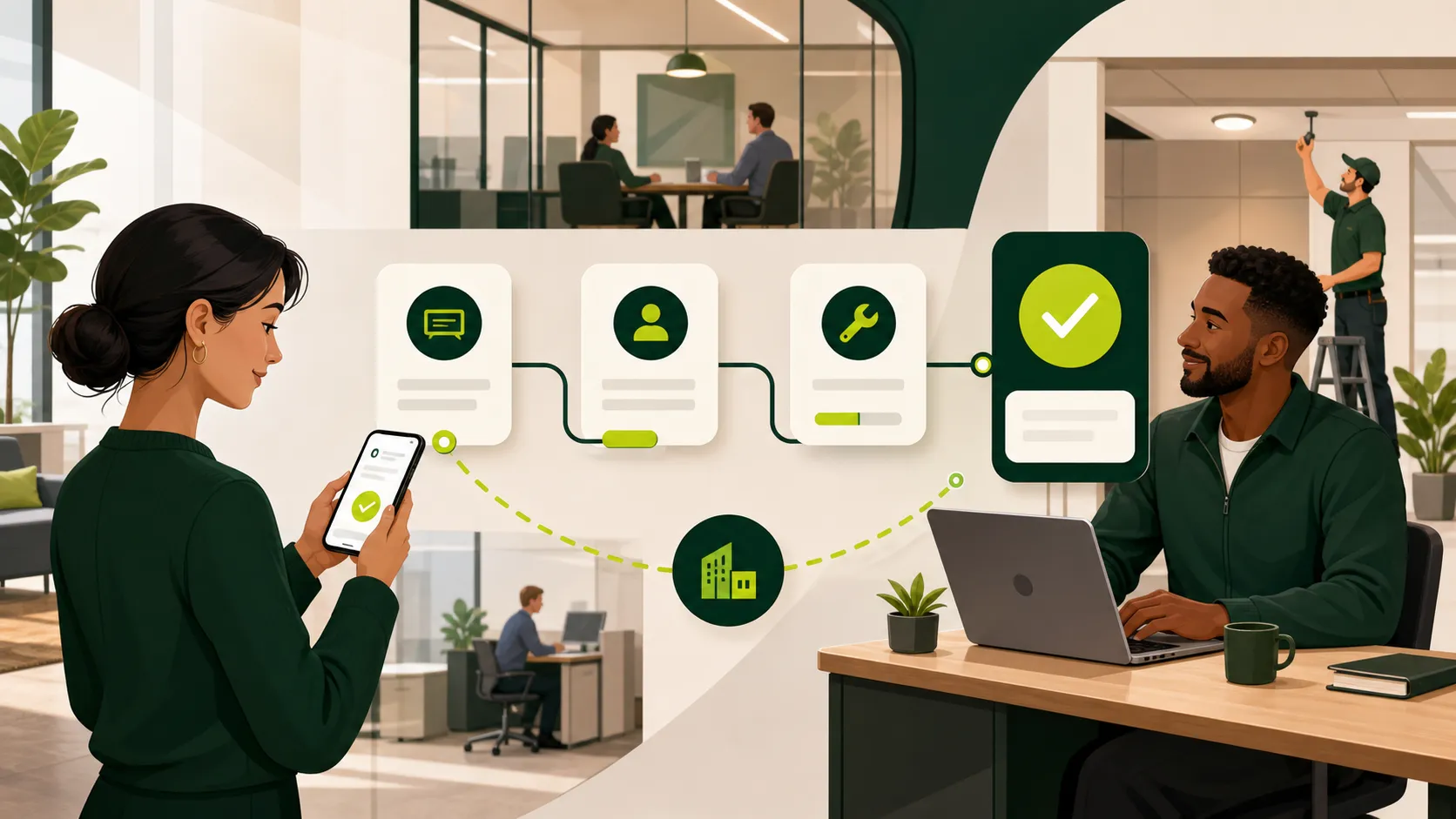
A flickering light. A room that is too warm. A new employee who needs a badge. A team move that requires furniture, signage, and technology support.
Every workplace generates requests. The problem is rarely that employees do not know something is wrong. The problem is that requests arrive through email, Slack, Teams, hallway conversations, spreadsheets, and personal messages. Workplace teams then have to collect the details, decide who owns the work, follow up with vendors, and keep employees informed.
That process becomes harder as a company adds offices, flexible schedules, shared spaces, and more workplace services.
The short answer: Workplace request management is a structured way to receive, route, prioritize, track, and resolve employee requests related to the physical workplace. It replaces scattered communication with one process that gives employees visibility and gives workplace teams clear ownership and useful data.
This guide explains how workplace request management works, what to include in a request process, and how to build a system that scales across offices.
Workplace request management is the process and technology used to handle employee needs connected to offices, rooms, equipment, services, and workplace operations.
An employee submits a request through a consistent channel. The request includes the location, category, description, priority, and any supporting information. It is then routed to the correct internal team or vendor, tracked through completion, and closed with a record of what happened.
A good request process answers five questions:
The goal is not to turn every small office issue into a complicated ticket. The goal is to make asking for help simple while giving the workplace team enough structure to respond consistently.
Workplace requests can cover nearly any operational need that affects the employee or visitor experience.
Common categories include:
Categories should match the way your organization actually works. A smaller office may need six clear request types. A global portfolio may need categories, subcategories, and location-specific routing.
Email and chat are useful communication tools, but they are weak systems of record for workplace operations.
A request sent to one person can disappear during PTO, a busy day, or a team change. Even when someone responds, the rest of the workplace team may not know that work is underway.
An employee may not know whether a problem belongs to facilities, IT, security, an office manager, or a building vendor. The first recipient becomes responsible for finding the real owner.
Every message feels urgent to the sender. Without shared priority rules, a cosmetic issue can interrupt a safety concern or a problem affecting an entire office.
Scattered messages make it difficult to see which offices generate the most requests, how long resolution takes, which assets fail repeatedly, or where employees experience the most friction.
A shared request system does not eliminate communication. It gives communication a clear workflow and history.
Employees should not have to search an org chart to report an office issue. Give them one simple request entry point that works on desktop and mobile.
The best experience can also be available inside tools employees already use, such as Slack, Teams, or a workplace platform.
Use a short, structured form that changes based on the request category.
Useful fields may include:
Ask only for information that helps someone act. Long forms reduce adoption and encourage employees to return to direct messages.
Routing rules should use location, request type, urgency, and ownership. A room-technology issue may go to local IT. A temperature problem may go to the building team. A move request may require several owners and an approval.
Automatic routing reduces manual handoffs and prevents employees from becoming the project manager for their own request.
Define a small number of clear priorities. For example:
Employees do not need a complicated service agreement. They do need an honest expectation for when someone will respond.
Confirm that the request was received. Notify the employee when ownership changes, more information is needed, work is scheduled, or the request is complete.
Status visibility reduces follow-up messages and builds confidence in the process.
Record the resolution, time spent, vendor involvement, and any repeat issue. If the same room or asset creates several requests, the pattern should be visible.
The right system should make the employee experience easier and the operational process more consistent.
Look for:
Connected context matters too. When requests live in the same system as desk booking, room reservations, office maps, visitor management, and workplace data, the team can understand which space, reservation, location, or employee experience the request affects.
Review recent emails, messages, spreadsheets, and vendor work orders. Group the requests into a manageable set of categories and identify the most common sources of friction.
Define a primary owner and backup owner. If an external vendor performs the work, an internal owner should still remain accountable for communication and completion.
Document what makes a request critical, high, normal, or planned. Include examples so employees and operators apply the rules consistently.
Ask for the location and details needed to route the request. Use category-specific questions instead of one large form for every scenario.
Launch with one office, service category, or workplace team. Watch where employees hesitate, which fields are missing, and where requests are reassigned.
Tell employees where to submit requests, what the system covers, and what they can expect after submission. Make the new process easier than sending a direct message.
Look for recurring issues, slow handoffs, overloaded owners, and locations with unusual demand. Use the data to improve both the request workflow and the workplace itself.
Request volume alone does not tell you whether the workplace is operating well.
Useful metrics include:
Use these measures to improve service, not to discourage employees from reporting problems. A temporary increase in requests may mean the new process is easier to use and gives the team better visibility.
Multi-office companies need a balance between global consistency and local flexibility.
Use one shared set of core categories, priorities, and reporting standards. Then allow each location to define its owners, vendors, building details, and service expectations.
This approach gives employees a familiar experience in every office while helping leaders compare demand and performance across the portfolio.
It also creates better continuity when a local operator changes roles or takes time away. The request history and ownership rules stay with the organization.
Tactic brings workplace requests into the same platform employees use to plan office days, book desks and rooms, view office maps, and manage visitors.
Employees get one familiar place to ask for help. Workplace teams can create request types, collect the right details, assign owners, monitor status, and understand patterns across locations.
Because requests are connected to broader workplace operations, teams can spend less time collecting context and more time improving the employee experience.
Book a demo to see how Tactic helps workplace teams organize requests and run the office from one connected platform.
A workplace request is an employee or visitor need related to an office, space, service, asset, or workplace process. Examples include maintenance issues, room setup, access, supplies, moves, cleaning, technology, and visitor support.
A general help desk often focuses on IT or customer support. Workplace request management is designed around physical offices, facilities, workplace services, spaces, moves, access, and the employee experience. Some organizations connect the two systems while keeping different categories and ownership.
Companies should define a separate emergency process for immediate safety, security, and medical situations. The request system can document and coordinate follow-up work, but employees should know when to call emergency services, security, or an onsite contact directly.
Start with the smallest set that routes work correctly. Too many choices make the form difficult to use. Review requests after launch and add a category only when it improves ownership, automation, or reporting.
Yes. A connected workplace platform can let employees start a request from the tools they already use while keeping assignment, status, and reporting in one system of record.
Workplace request management turns scattered office problems into a clear service process.
Employees get one easy place to ask for help. Workplace teams get structured information, ownership, priorities, status visibility, and data they can use to improve operations.
The best process is simple for employees, consistent for operators, and flexible enough to support different offices. When workplace requests connect with the rest of the workplace experience, small issues are resolved faster and larger patterns become easier to see.

One platform for your entire workplace.






