Managed Rooms

More than room booking. Rooms that are ready.

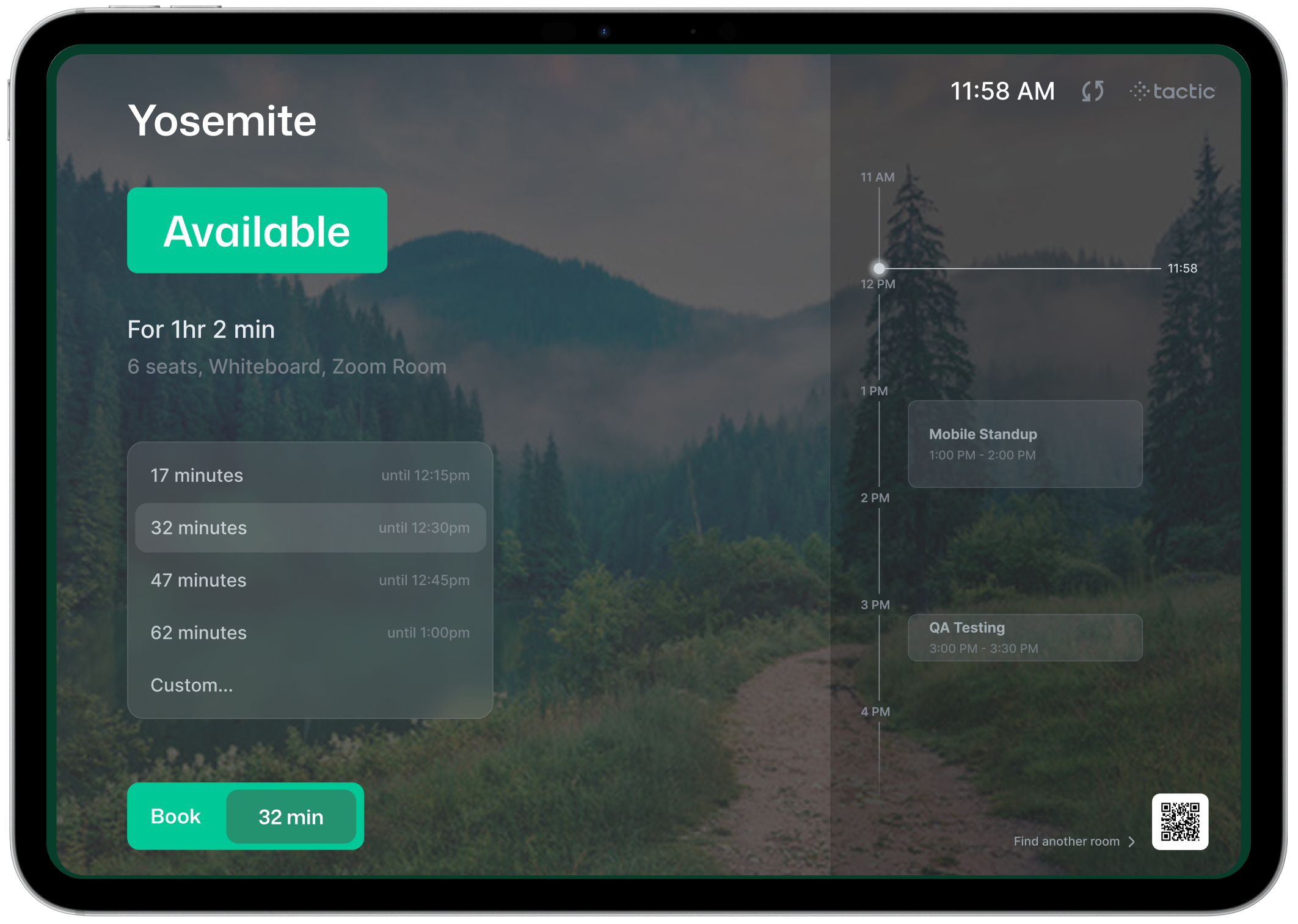
Connect room reservations with catering, AV, furniture, setup, supplies, and workplace services so every meeting starts the way it should.

Boardroom meeting Today · 2:00 PM · 16 attendees
Room ready
Reservation
Executive Review Dixie Conference Room · Floor 4 · 60 minutes
16 Guests
2:00 Start
Ready Status
Room Services
Catering Drinks + snacks
Done
AV Setup Video ready
Done
Room Layout Boardroom setup
Done
Managed Rooms Every service request is connected to the room booking.

Trusted by fast growing companies

OE logo2020INC logoThe Paak logoToogether logoEphicient logo
Meeting Lifecycle

Manage everything that happens around the meeting.

Managed Rooms connects the reservation to the operational work required before, during, and after the meeting.

1
Reserve Book the right room Employees reserve rooms based on time, size, location, availability, and meeting needs.
2
Request Add services Capture catering, AV, room layout, supplies, cleanup, or special setup requirements.
3
Assign Route the work Notify the right workplace, facilities, catering, AV, or office services team.
4
Prepare Ready the room Track status, owners, notes, and completion before the meeting begins.
5
Analyze Report demand Understand which rooms, services, and setups create the most operational work.
Room Booking vs Managed Rooms

Booking reserves the room. Managed Rooms gets it ready.

Managed Rooms includes the reservation experience employees expect, while adding the operational workflows workplace teams need behind the scenes.

Standard Room Booking

Reserve the space.

Room booking helps employees find availability and reserve a meeting room, but the work around the meeting often happens somewhere else.

Find available rooms Search by time, size, location, and availability.
Book the reservation Create a room booking for the meeting.
Sync with calendars Keep room reservations connected to Outlook or Google Calendar.
Service Automation

Turn one room booking into every task needed to make it ready.

Managed Rooms routes work to the right teams automatically, tracks ownership, and keeps every service connected to the original reservation.

Meeting Created
Executive Leadership Review Dixie Conference Room · Today · 2:00 PM · 16 attendees
Services triggered
AV Team Video setup assigned Display, conferencing, microphone, and connection checks.
Catering Refreshments ordered Drinks, snacks, delivery time, and attendee details.
Facilities Layout request routed Boardroom setup, furniture, supplies, and cleanup tasks.
Workplace Readiness tracked Owners, notes, status, approvals, and final confirmation.
Assigned
In progress
Confirmed
Ready
Room ready before the meeting starts. Every task, owner, status, and service request stays attached to the room reservation.
Room ready
Auto-routing
Approvals
Notifications
Service tasks
Readiness status
Reporting
Policies + Readiness

Built for the rules behind the reservation.

Automate buffers, approvals, service requirements, and readiness tracking so high-value meetings do not depend on manual coordination.

Room Buffers

Protect time for setup and reset.

Automatically block time before and after meetings so teams have enough room to prepare, clean, restock, and reset.

Executive Boardroom
Buffer applied
12:30 PM
Setup Buffer
Reserved
1:00 PM
Leadership Meeting
Meeting
2:00 PM
Cleanup + AV Reset
Reserved
2:30 PM
Room Available
Open
Approval Workflows

Control high-demand rooms and special requests.

Require approval when meetings involve executive rooms, external guests, catering budgets, or restricted spaces.

Executive Board Room Request
Approval required
Workplace Approval Required for executive spaces.
Approved
Director Approval Required for meetings over 15 attendees.
Pending
Catering Budget Review Required when food service is requested.
Pending
Service Requirements

Trigger the right services automatically.

Route work based on room type, meeting size, amenities, request type, or location-specific policies.

Quarterly Town Hall
Auto-routed
AV Team Video + microphones Assigned based on large meeting room policy.
Catering Drinks + snacks Triggered by attendee count and meeting length.
Facilities Town hall layout Assigned for furniture and seating setup.
Workplace Final readiness review Confirms room is ready before start time.
Readiness Tracking

Know if the room is ready before people arrive.

Track owners, notes, progress, delays, and completion across every service tied to the room booking.

Meeting Readiness
87% ready
87%
AV setup Complete
Catering Complete
Furniture layout Complete
Digital signage Pending
Customer Spotlight

Supporting workplace operations at scale.

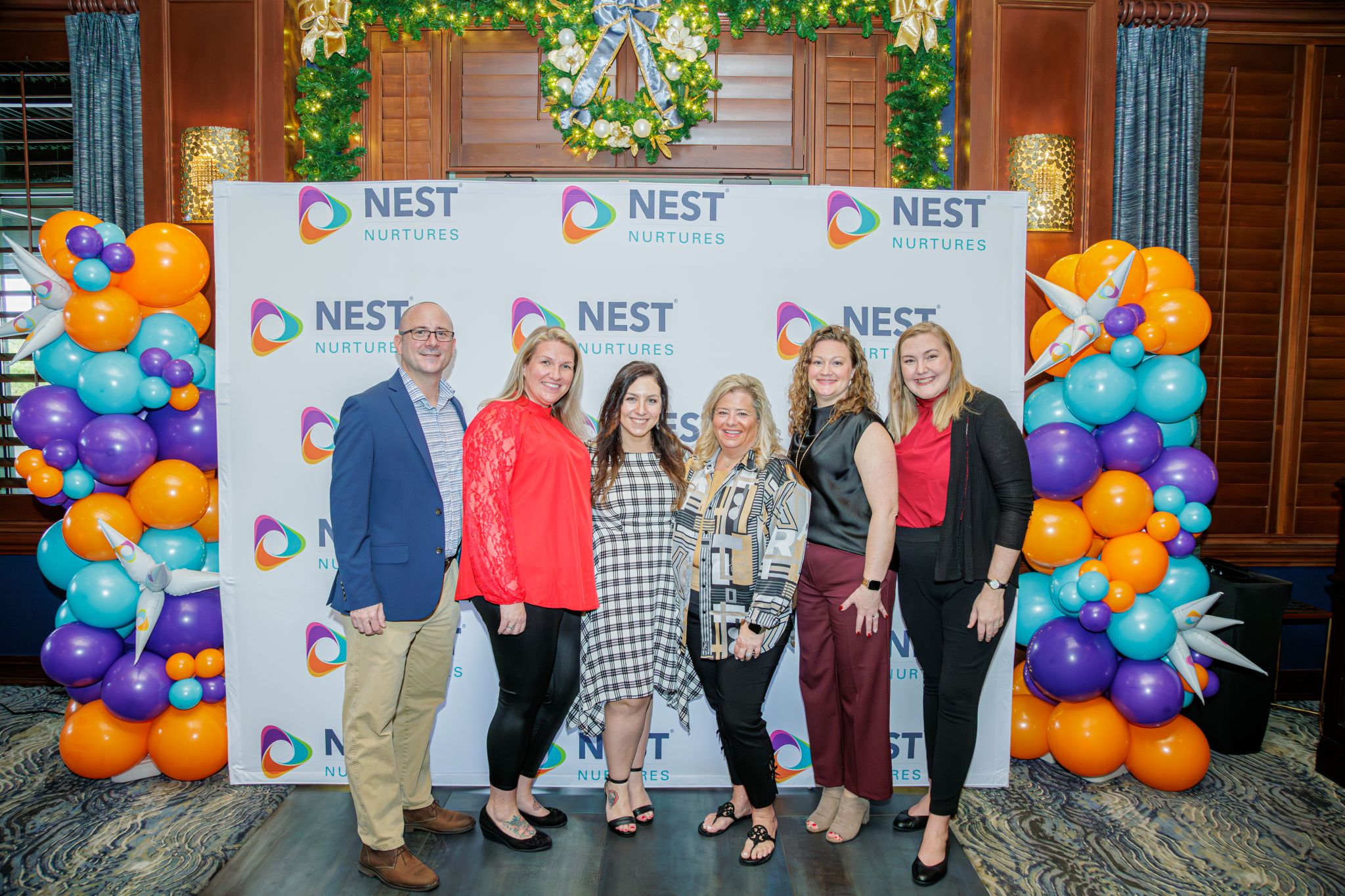
NEST uses Tactic to simplify workplace coordination, improve the employee experience, and give workplace teams greater visibility into how their spaces are being used.

Interactive Maps
Room Reservations
Policy Controls
Hybrid Workplace
“We couldn't be happier with Tactic. It's so much easier to use and way more intuitive than Robin ever was.”
David Osmer
Organizational Development Manager, NEST
Tactic Room Booking Demo
Step 1 of 7

Title goes here

Description goes here.